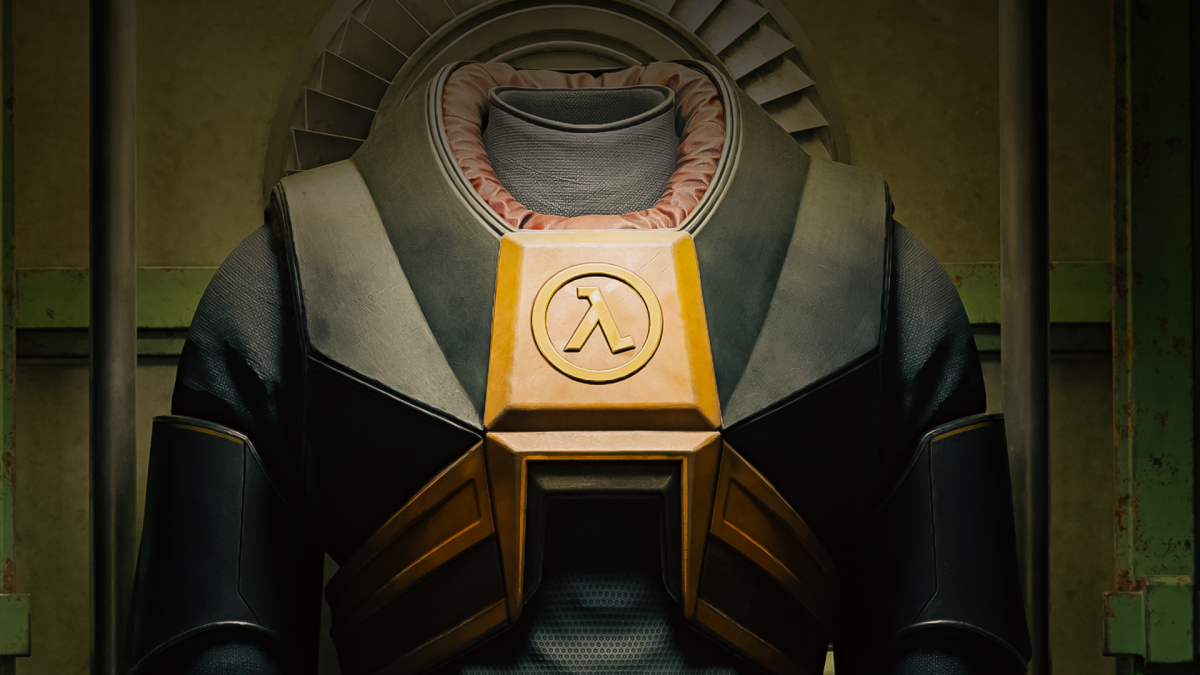
Nvidia is putting DLSS 5 into practice: Portal with RTX received the update via Steam on October 21st, followed by the Half-Life 2 RTX demo two days later, on October 23rd. The update is free, but it doesn't bring new game content – it's all about the technology.
What is DLSS 5 Neural Rendering?
Unlike traditional upscaling, Neural Rendering utilizes the already rendered image and additional scene information. An AI model then alters lighting and material perception. The result is intended to appear more realistic, but it's an intervention into the image – so it comes down to personal preference.
How Do I Enable DLSS 5 in Portal RTX and Half-Life 2 RTX?
The function is optional and off by default. Here's how to proceed:
- Launch the game and press Alt+X in-game to open the RTX Remix menu.
- Select the "3D-Guided Neural Rendering" option.
- Both games run on RTX Remix 1.6, which includes DLSS 5, enhanced Frame Generation, and Windows-on-ARM support.
Additionally, the Half-Life 2 demo receives DLSS Frame Generation Preset C, up to 6x Multi Frame Generation, and DLSS 4.5 Super Resolution with Preset F.
Which Graphics Card Do I Need for DLSS 5?
Officially, Neural Rendering is only enabled for GeForce RTX 5000 and RTX Spark. Those with older cards are out of luck for now. According to PC Games Hardware, there are currently no independent benchmarks on the performance of DLSS 5 in the two remasters – so it's unclear if and how much the frame rate is affected.
From our perspective, this is primarily a showcase for Nvidia: two free, popular games demonstrating the technology's capabilities. It will be interesting to see if DLSS 5 also proves convincing in current titles. The current movement in the upscaling market also indicates that FSR 4.1 is coming to Xbox Series X and Series S.
Source: PC Games Hardware, VideoCardz
Have you already tried DLSS 5? Let us know in the comments if you're impressed with the results!

Comments (0)
No comments yet — be the first to share your take.