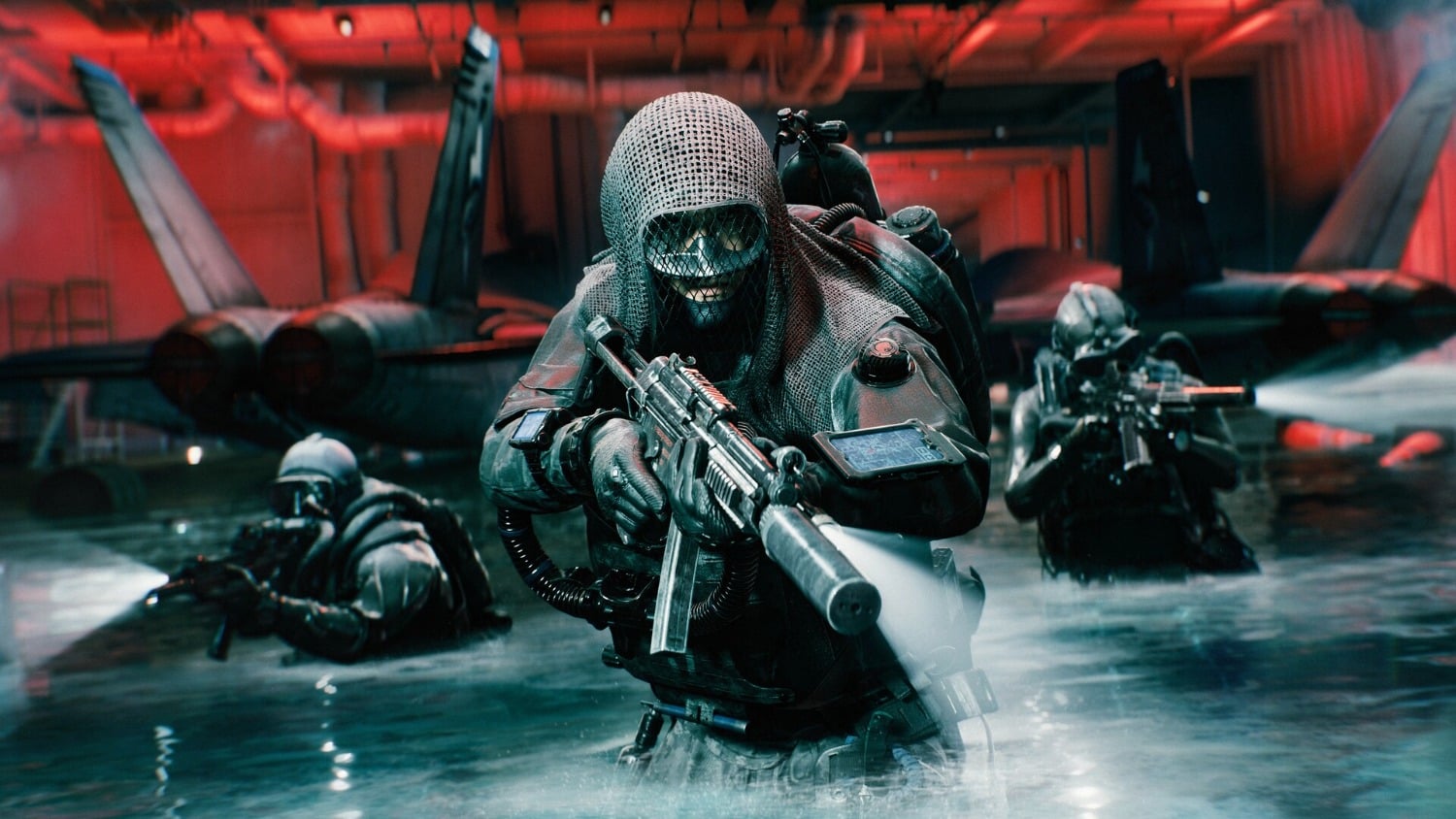
If you're currently playing Battlefield 6 and find yourself involuntarily back on your Windows desktop after just a few seconds, you're not alone. This time, the culprit isn't the game itself, but the operating system: an optional Windows 11 Preview Update, identified as KB5124010, is currently causing a wave of crashes, almost always following the same pattern: 15 to 30 seconds after launch, followed by a black screen or a return to the desktop. Not only Battlefield 6 is affected, but also its predecessor Battlefield 2042 and the new shooter WARDOGS. The latest news regarding Battlefield 6 from EA has not yet officially mentioned the problem, but several independent sources confirm the connection.
Why Does Battlefield 6 Crash After the Windows 11 Update?
The common denominator among the three affected games is quickly found: they all rely on EA's Javelin Anti-Cheat system, which is built on Easy Anti-Cheat technology and deeply integrates into the Windows kernel. It is precisely there that KB5124010 seems to be causing conflicts. TheFPSReview first reported on the surge of crashes, soon followed by Neowin and TweakTown with their own reports and community feedback – all three independently reached the same conclusion. As of the time of this article, Microsoft itself has not yet officially commented on the incident, and a patch or official notice in the update history is still missing.
How Do I Fix the Battlefield 6 Crash Caused by KB5124010?
The good news: there's already a reliable, player-confirmed workaround. Since it's an optional preview update, it can be easily removed. Here's how:
- Open Windows Settings and navigate to “Windows Update”
- Click on “Update history” there
- In the update history, select “Uninstall updates”
- Search for “KB5124010” in the list and remove it using the “Uninstall” button
- Restart your PC and test Battlefield 6, Battlefield 2042, or WARDOGS again
- Optionally: Under “Advanced options,” pause the installation of optional preview updates until Microsoft has officially responded
Our Take: Experience shows that kernel-level anti-cheat systems like Javelin or Easy Anti-Cheat are particularly sensitive to Windows patches, which is not a new phenomenon in online shooters with strict anti-cheat protection. Nevertheless, the timing is doubly frustrating: Battlefield 6 is in the midst of a crucial post-launch phase where every technical issue costs players, and with the already established Battlefield 2042, a second title in the series is also affected. So, if you're currently experiencing spontaneous crashes after a match starts, you should first check your Windows update history before verifying game files or reinstalling drivers – in this case, the cause is demonstrably outside the game.
Source: TheFPSReview, Neowin, TweakTown
Have you already uninstalled KB5124010, and is everything running smoothly again? Let us know in the comments and share this article with everyone in your squad who's currently frustrated in front of their desktop!
Comments (0)
No comments yet — be the first to share your take.