A last-minute task has arrived: Sony has released a PS5 system update that, according to PlayStation Support, is absolutely necessary before you can play Grand Theft Auto VI. If you want to jump in tonight, you should complete this now, not at 11:58 PM. We've compiled everything you should check off before launch, on both PS5 and Xbox.
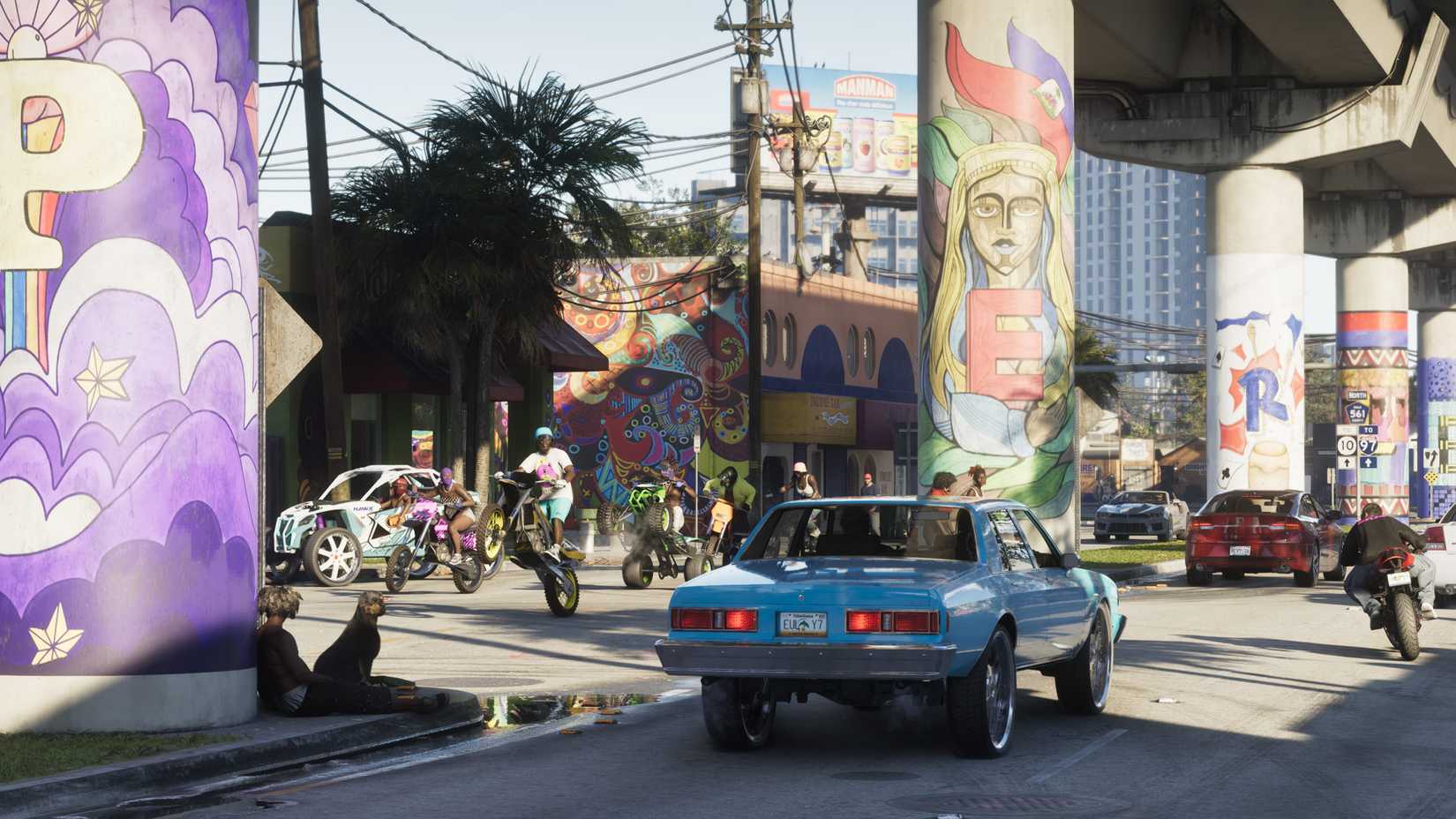
As a reminder: GTA 6 releases on November 19th for PS5 and Xbox Series X|S, at midnight local time. For details on the exact release time in Germany and why some players plan to use a New Zealand account to play by Wednesday afternoon, check out our article on the release time in Germany and the New Zealand trick.
Which PS5 update do I need for GTA 6?
The US PlayStation Support account posted on November 17th at 8:25 PM ET (which was 2:25 AM on November 18th in Germany): Sony Interactive has released a PS5 system software update that is required before playing GTA VI. Players should download it before midnight on November 19th to be ready for launch day.
Sony has not revealed the exact purpose of the update. Kotaku speculates it could be an additional security measure against premature unlocking of preloaded versions or a countermeasure against jailbreaks, but nothing has been confirmed. For you, the only thing that matters is: the game will not start without the new firmware.
In addition, there's the Day One patch. Version 01.002.001 has been rolling out since the beginning of the week, according to Kotaku, and is relatively small at 602 MB. An earlier update of about 1 GB was released on November 13th. You should have both installed before launch, otherwise you'll be staring at a loading bar instead of Vice City tonight.
Checklist: How to get ready for GTA 6
- Clear storage space: Xbox Wire states approximately 212 GB you'll need to free up on Series X|S. Polygon also mentions 212 GB for the game generally, so PS5 users should expect a similar size.
- Complete preload: Pre-downloads have been available since November 10th. Check if the game is fully installed and not stuck at 80 percent somewhere.
- Install PS5 system update: Go to Settings, then System, and update the system software. Information can be found on the official PS5 support page for system software.
- Download Day One Patch 01.002.001: Select the game in your library and check for updates.
- Start Xbox online once: Microsoft advises turning on consoles that haven't been used for a while, connecting them to the internet, and downloading all system updates beforehand.
- Attention disc buyers: Even physical box versions only contain a code; the game still needs to be fully downloaded. Read about previous issues in our report on missing and already redeemed codes in the box.
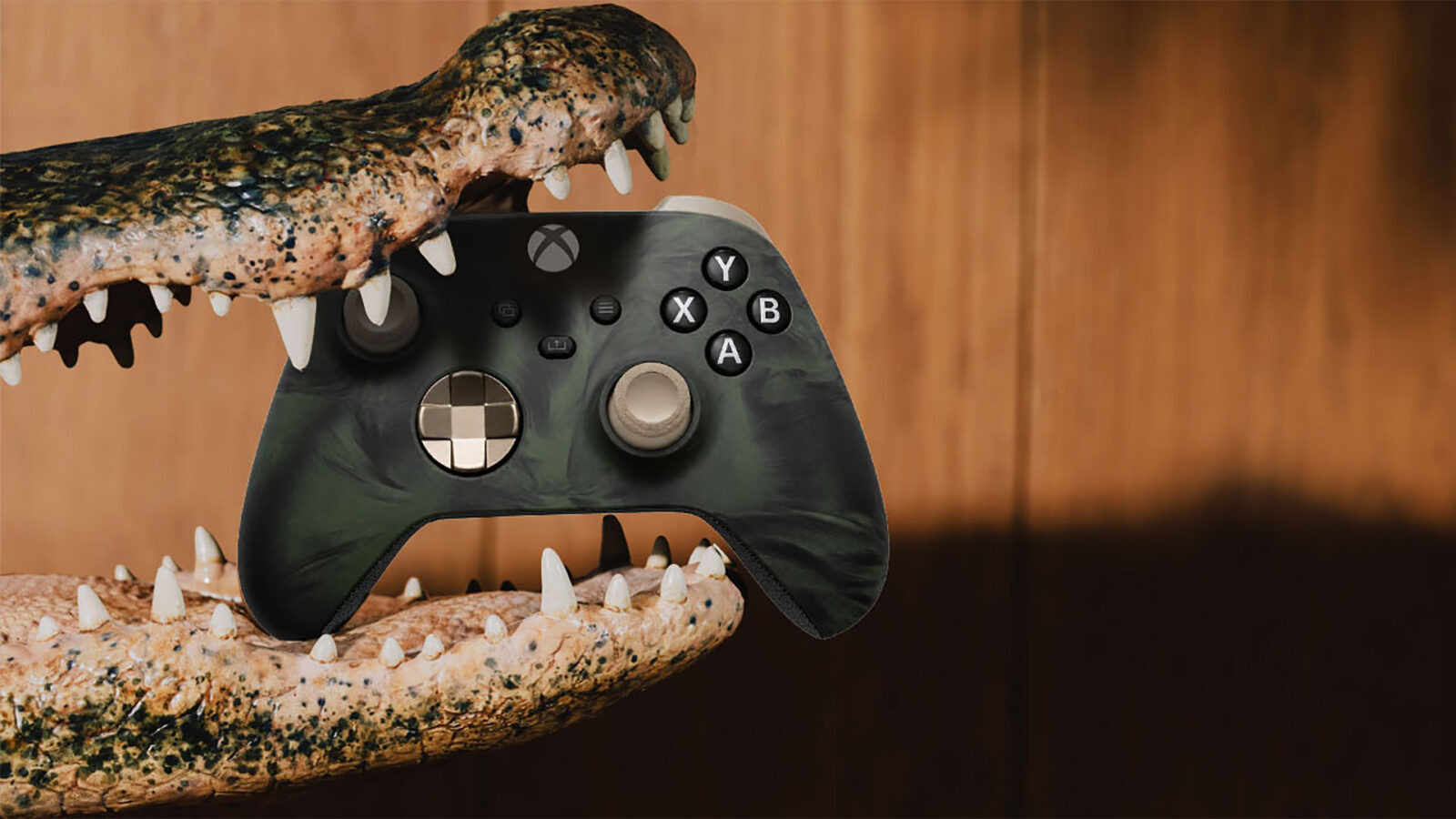
- Charge controllers: This might sound trivial, but it's even on the official Xbox checklist "How to Get Ready for November 19": fully charge your controllers or have spare batteries ready.
Xbox One owners don't have to miss out, by the way. Microsoft points to Xbox Cloud Gaming, through which you can stream the title without needing 212 GB on your hard drive. Game Pass subscriptions include a monthly hour allowance for this, and additional time can be purchased, according to Xbox Wire.
Why you should download now and not at midnight
The advice to get everything done early is not fear-mongering. According to Polygon, some internet providers reported in early November that GTA 6 preloads caused unprecedented peak loads, slowing down the network for all other customers. Rockstar has distributed its patches in stages to avoid simultaneously overloading Rockstar, PlayStation, and Xbox servers. Nevertheless, Polygon anticipates problems on launch night, especially since services from Apple, Microsoft, and several US banks recently experienced widespread outages.
Our assessment: A mandatory update announced by Sony a good 24 hours before release is a recipe for congested download servers. If millions of players simultaneously pull firmware, patches, and perhaps the rest of their preloads tonight, things will get tight. Those who complete everything by Wednesday won't have this problem. A quick test is also worthwhile: the game icon in your library will show you if anything is still missing. And if PSN still falters tonight, at least it won't be because of your console.
Source: PlayStation Support US on X, Xbox Wire, Kotaku, Polygon
Is everything already installed for you, or is your console still downloading the mandatory update and the 212 GB?
Comments (0)
No comments yet — be the first to share your take.